
Everything an event needs. Nothing it doesn’t.
From the first RSVP to a verifiable certificate — co-host with other communities, credential your people, and run it all from one panel.
Every feature, at a glance.
Six areas, each with its own colour. Pick a feature to see it on the real screen.
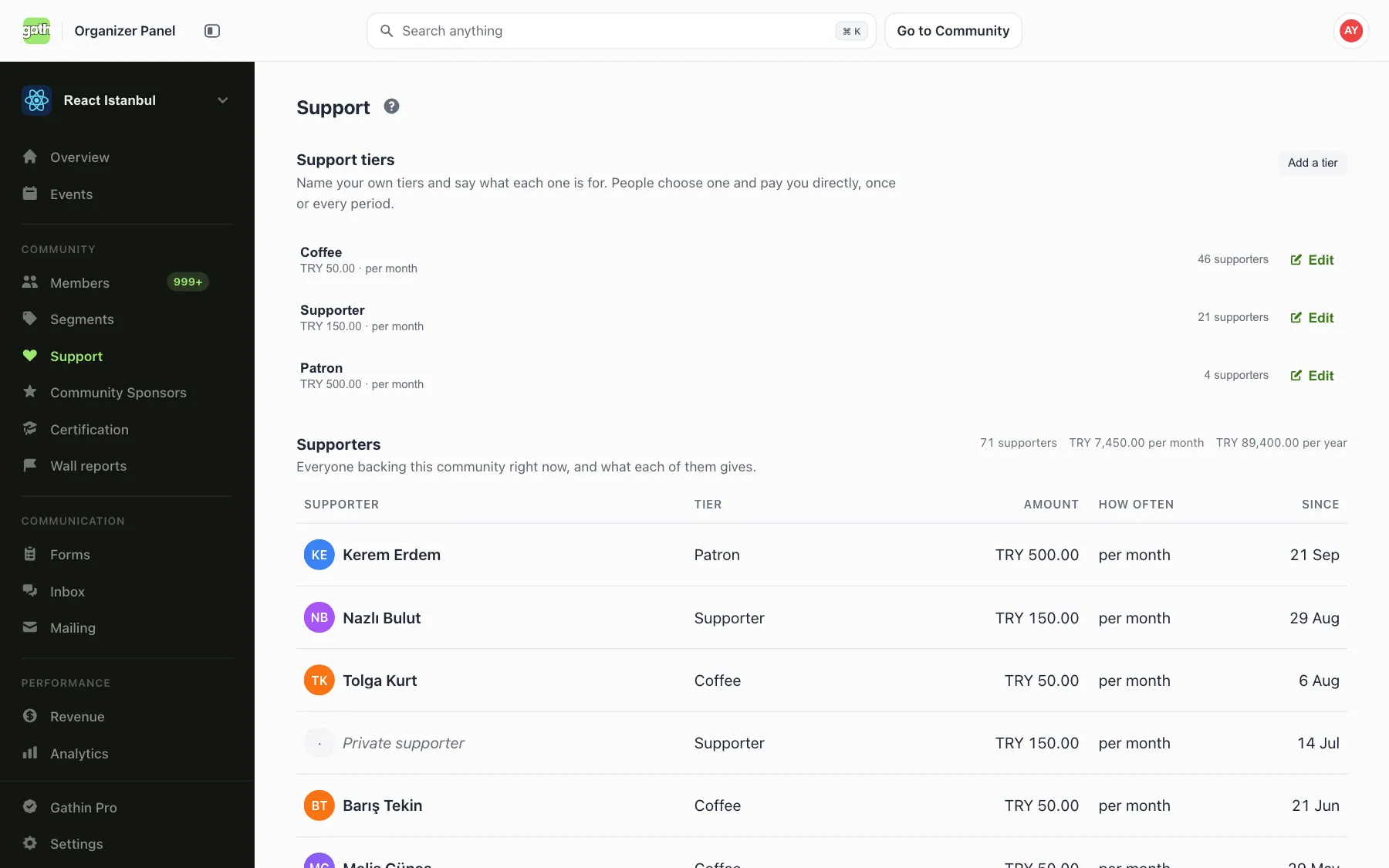
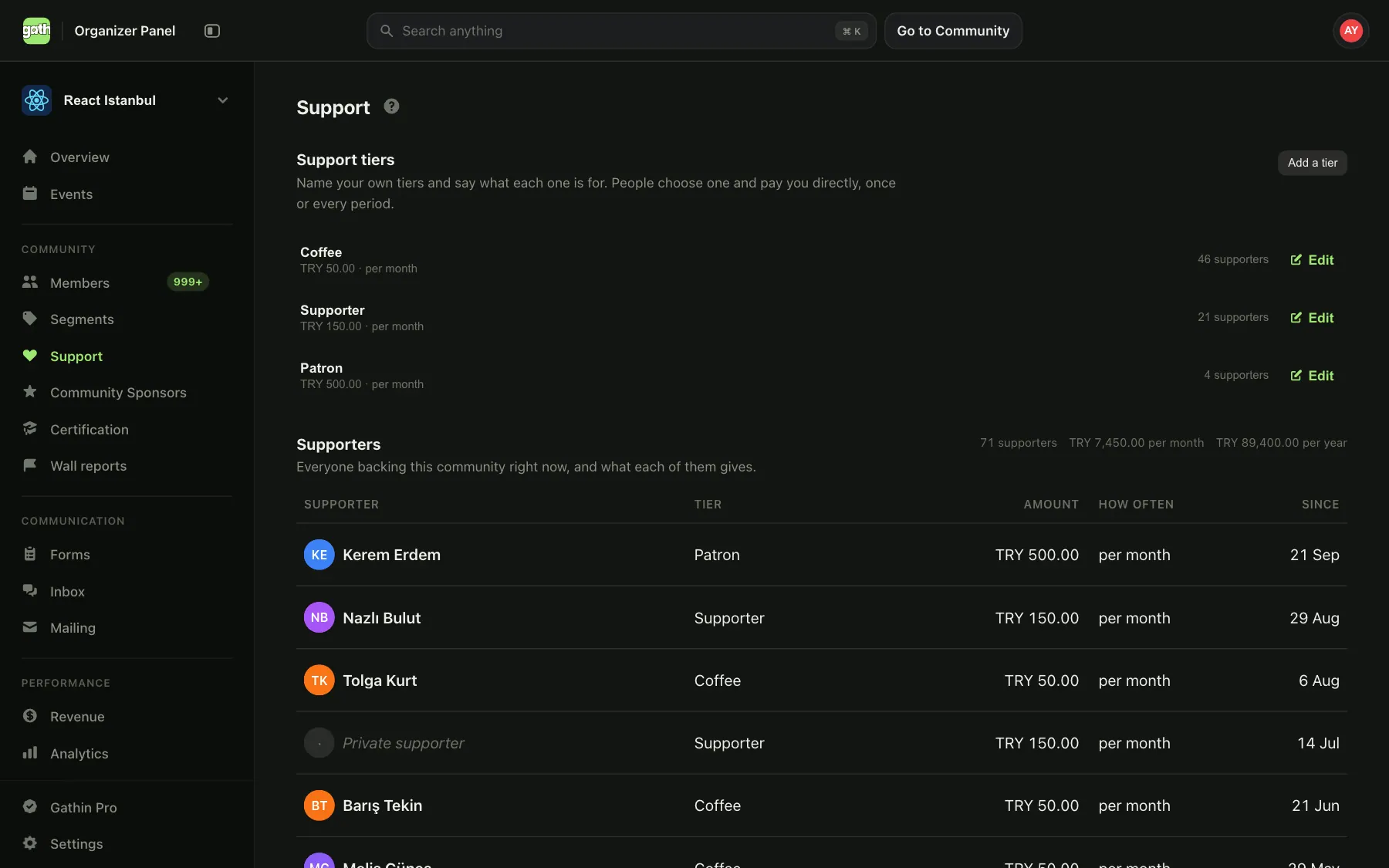
See it on the real screen.
Screens from the app itself, filled with demo data. Pick an area, then a feature.
Every event gets a beautiful public page out of the box: hero image, date and venue, capacity, RSVP and ticket flows, speakers, sponsors, gallery, and a live comments thread. All server-rendered with proper OpenGraph tags so it looks great wherever it's shared.
Read the guideAll upcoming events across the platform in one feed — filter by date and type, with live capacity and RSVP counts visible at a glance. Members open it the way they open a social feed.
Read the guideEach community gets a public page with cover image, branding, members count, social links, and a live feed of upcoming and past events. Indexable by Google, shareable on every platform, and the home base your members come back to.
Read the guideA directory of every community on Gathin — popular today, your active picks, and topical clusters. New members find their tribe; existing organizers get free distribution.
Read the guideEvery member has a public profile at /@username — a real CV-grade page with their events attended, communities, certificates, follower network, and bio. They share it on LinkedIn; you get free distribution.
Read the guidePhotos and videos appear on the same public event page where members come back to relive the moment, share with friends, and decide to come to the next one. No second URL, no separate Flickr.
Read the guide
Co-host an event with another community and it shows up as a shared event on both pages — reaching both memberships at once. Collaborators can follow the participants and waitlist; the community that created the event stays in control of every edit.
Read the guideAdd teammates as event organizers so more than one person can manage the event — build the schedule, scan tickets at the door, run the day. Add or remove organizers any time, not just at creation.
Read the guide
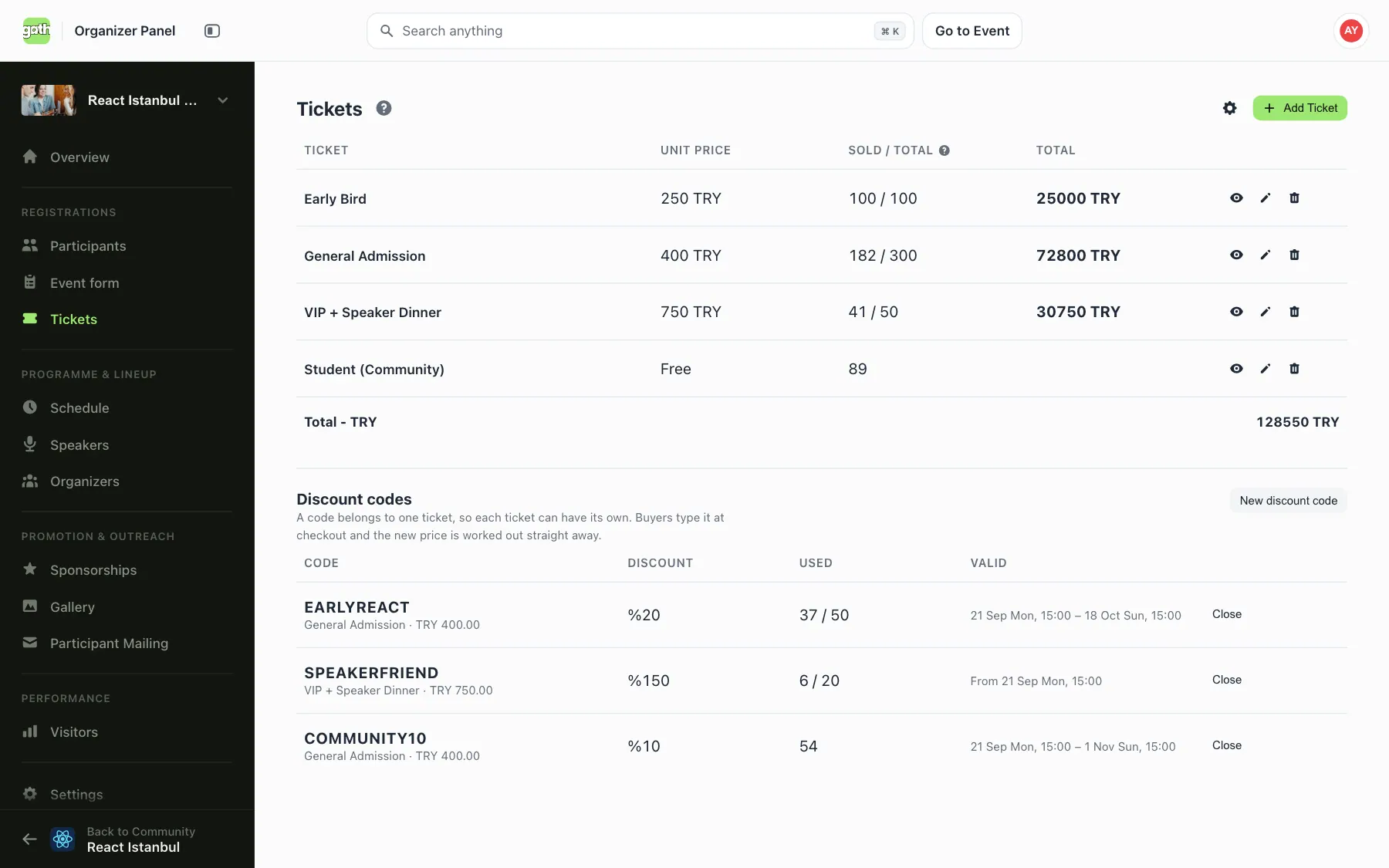
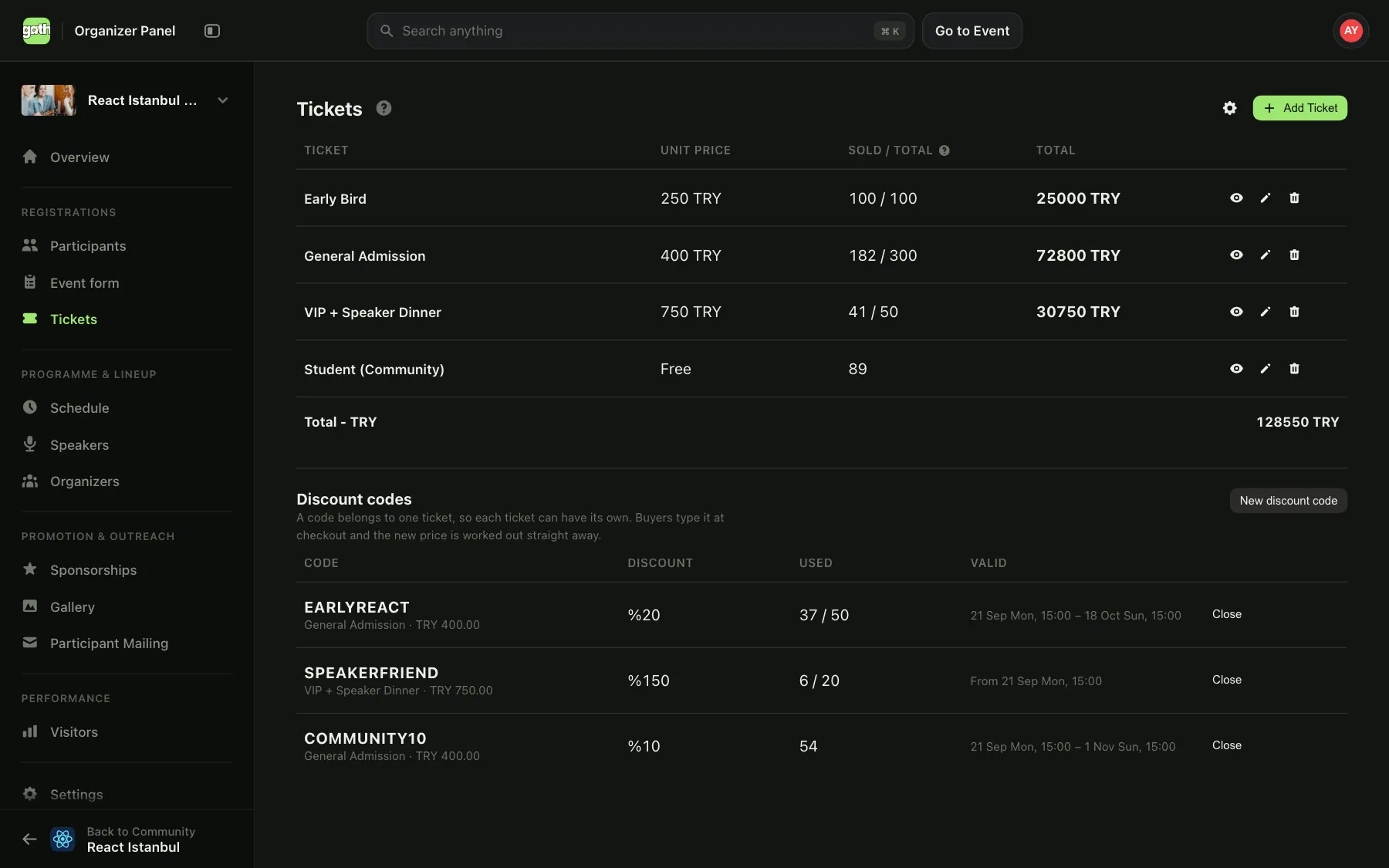
Iyzico-backed checkout with clean payout reporting. Define ticket tiers — quotas, prices, sale windows, refund rules — directly inside the event admin and the public page updates instantly.
Read the guideBuild the day-of program session by session — rooms, time slots, assigned speakers, breaks. Attendees see a live, mobile-friendly schedule on the public event page; you get a single source of truth for organizers and volunteers.
Read the guideBuild the speaker list with bios, social links, and topics. Recognize sponsors with custom tiered placement — name your tiers (Platinum, Gold, Silver, or anything else). Both surfaces render on the public event page without you touching a single line of code.
Read the guideDrag-and-drop dozens of photos straight into the event admin. They get optimized, ordered chronologically, and pushed to the public gallery without a separate upload tool or third-party host.
Read the guideBuild custom forms for registration, applications, or feedback, attach them to an event, and collect structured responses without a third-party tool.
Read the guideScan each attendee’s QR ticket at the entrance and check them in instantly. Works from any phone camera, no extra hardware, live attendee status as people arrive.
Read the guide
Create a certification program, design its certificate in a visual editor — background, labels, and a verification QR — then issue it to recipients by hand or from a spreadsheet. Every certificate carries a unique code and its own public page.
Read the guideAward a badge for a skill, role, or milestone — upload the artwork once and assign it to people. No template to design; every badge still gets a unique code and a public page.
Read the guideGroup programs and badges into an ordered path so members see a track, not a pile. Reorder the steps, and design one completion certificate for members who finish the whole thing.
Read the guideEvery certificate and badge has a public verification page — no account needed to confirm it's real. Recipients download it, add it to LinkedIn in one click, and it shows on their Gathin profile as a portfolio of what they've earned.
Read the guide
Every paid ticket flows into your community Revenue balance. Watch each payment move through In Balance, Withdraw Requested, and Transferred, then withdraw to your registered bank account. Prices in TL, all in one dashboard.
Read the guideAdd companies that back your events, show them on your public event pages with logos and links, and organize them into sponsorship tiers. Sponsor payments reach you the same way ticket income does.
Read the guide
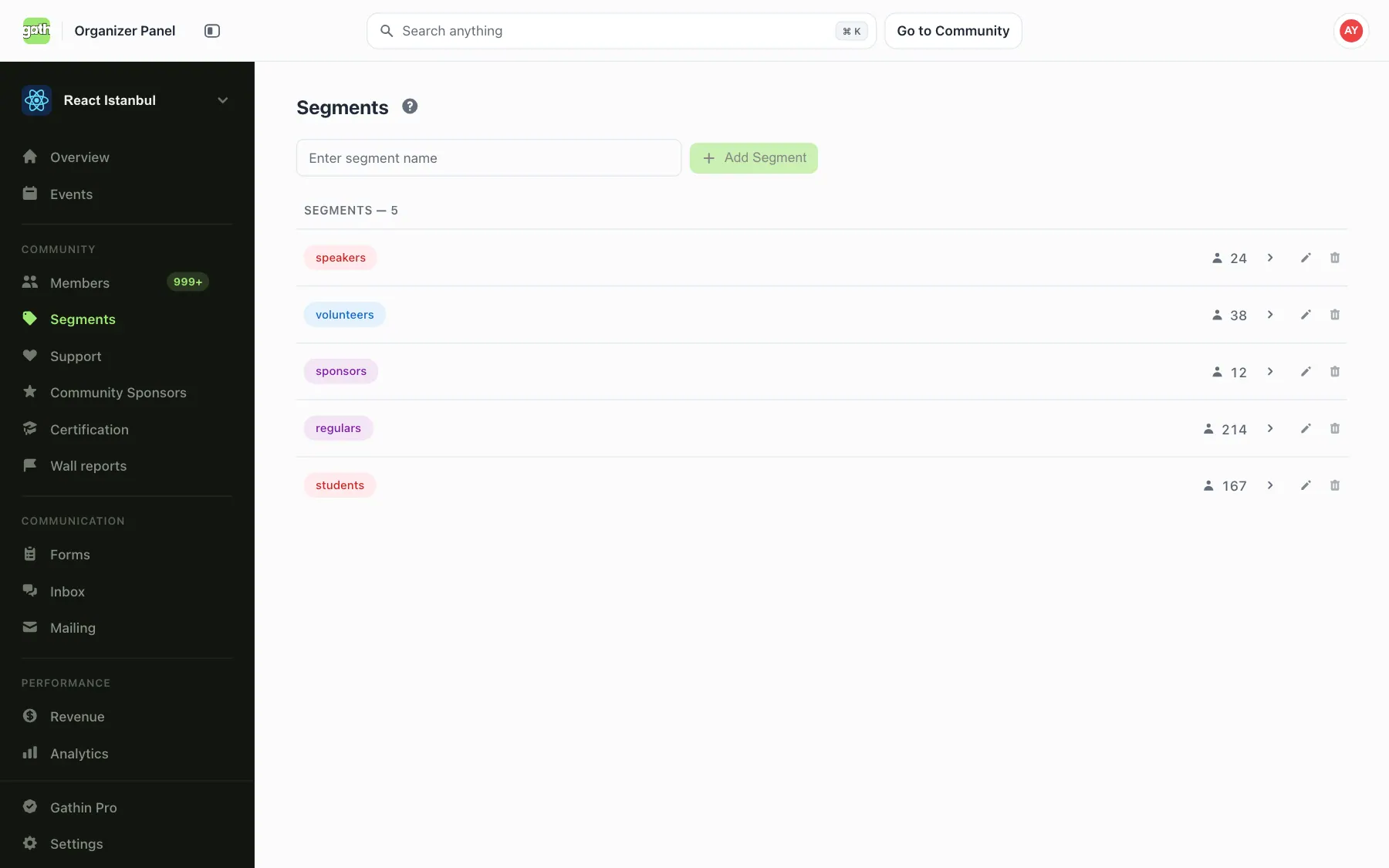
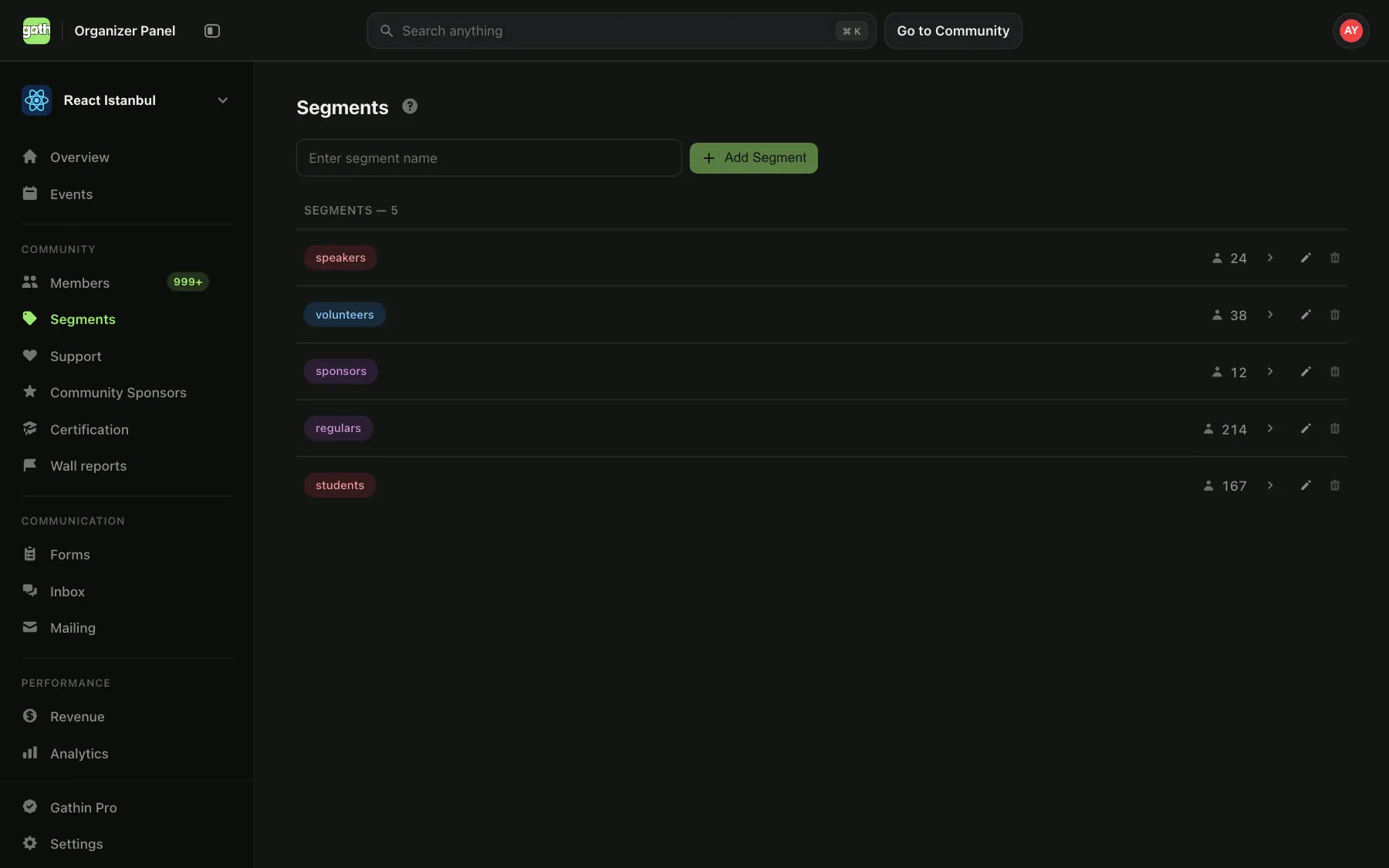
Tag members into segments — first-time attendees, alumni, sponsors, mentors — so you can find and organize the right cohort in a click.
Read the guideCover image, logo, theme accents, social links, contact email, privacy level, verified-organizer claim — every dial that affects how your community shows up in public lives in one settings page.
Read the guideMembers, segments, events, mailings, payments, gallery, settings — every operational surface lives in a single panel built around how organizers actually work day-to-day. Same mental model, no jumping between apps.
Read the guideSee attendance, revenue, and member growth trends across your community. Spot your best events and where people drop off, so your next event does better than the last.
Read the guide
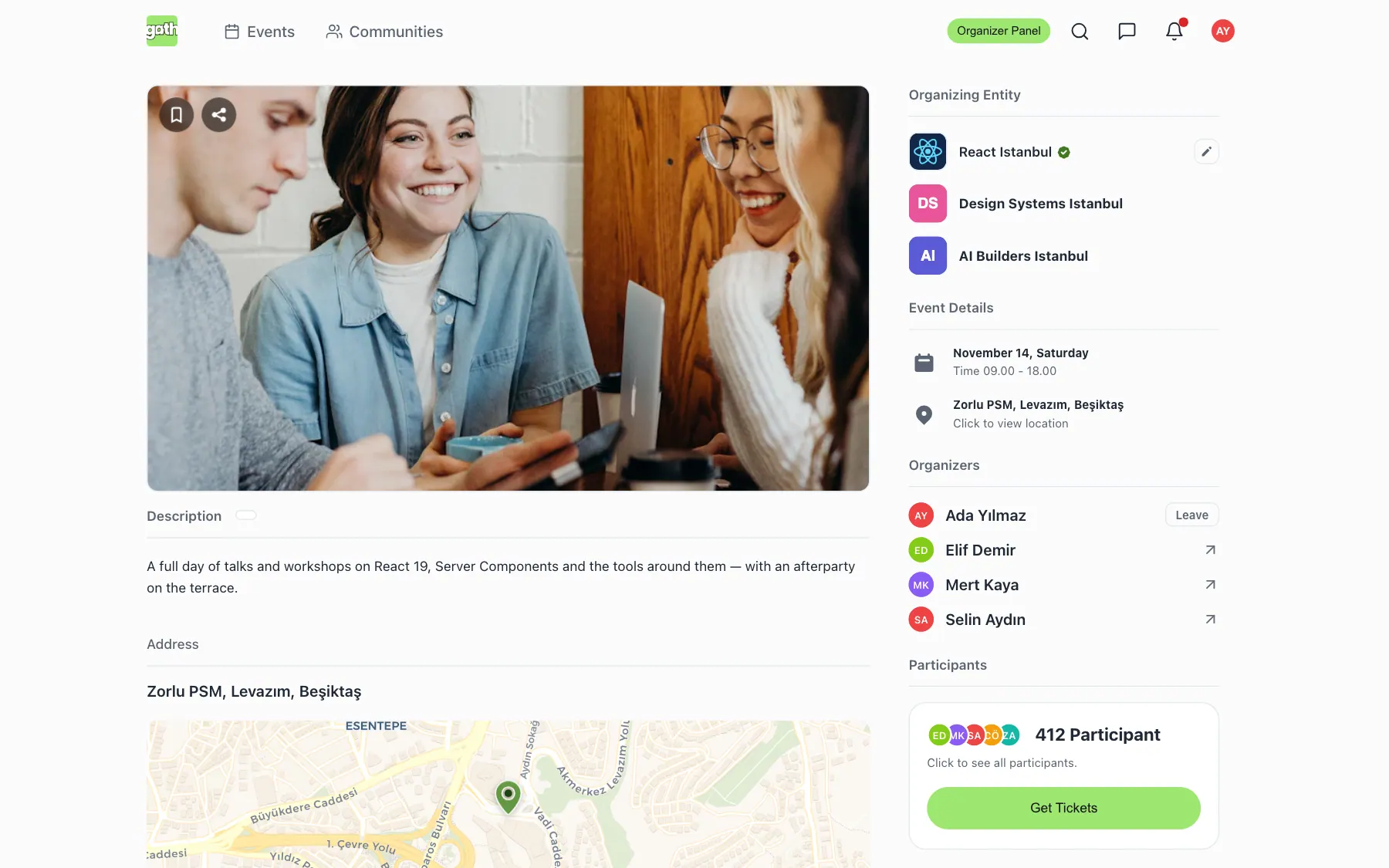
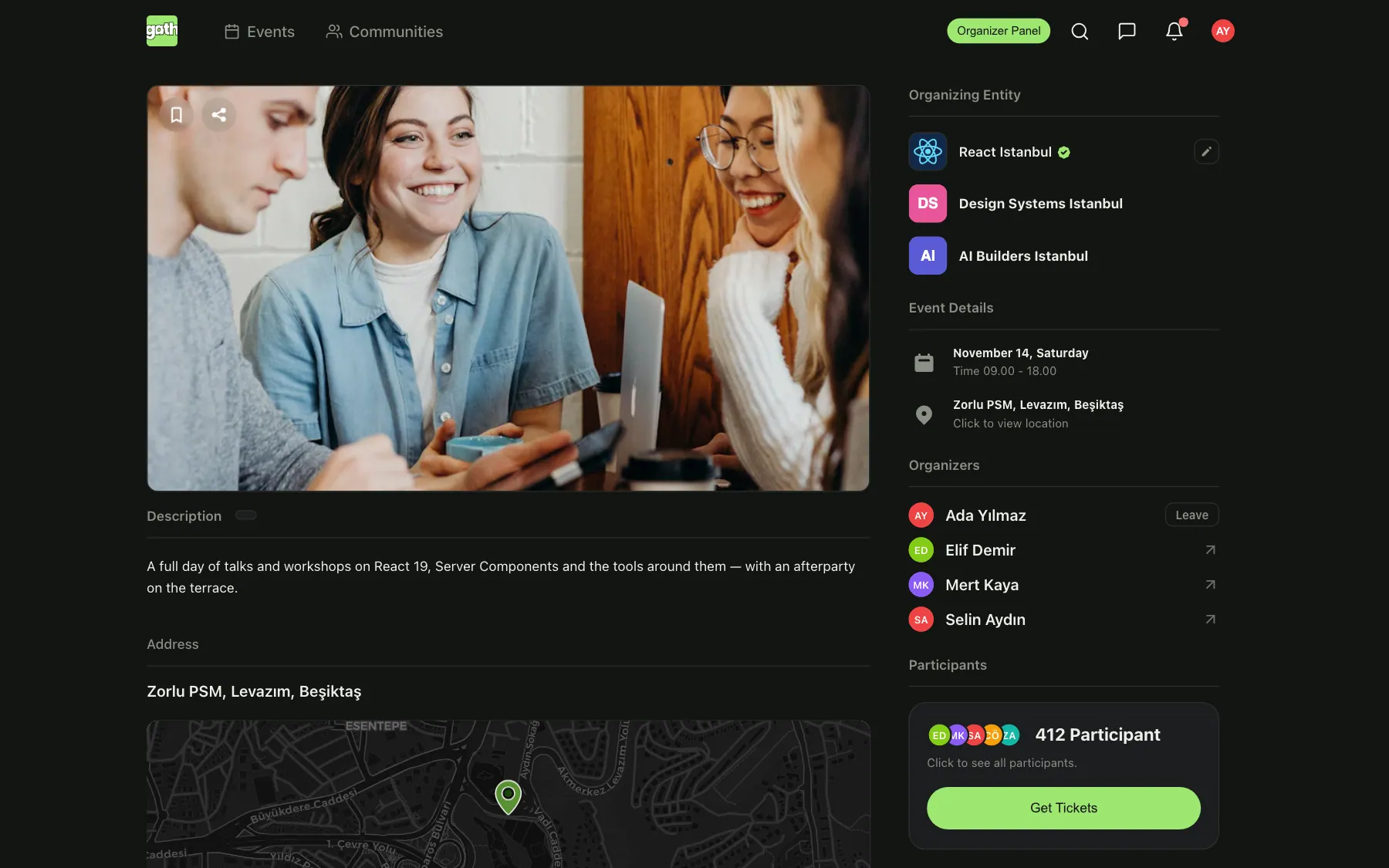
- Your cover, your brand
- Hosted by your community
- One tap to a ticket
Ready to host your next event?
Spin up a free organizer account in minutes.